Printable calendars that fit the way you plan
A paper calendar does one thing a phone can't: it stays in view. On the fridge, beside the desk or in a binder, it shows the whole month at a glance and leaves room to write. MakeCalendars builds that page for you. Pick a layout, set the dates and print. There's nothing to install and no account to create.
Which layout should you choose?
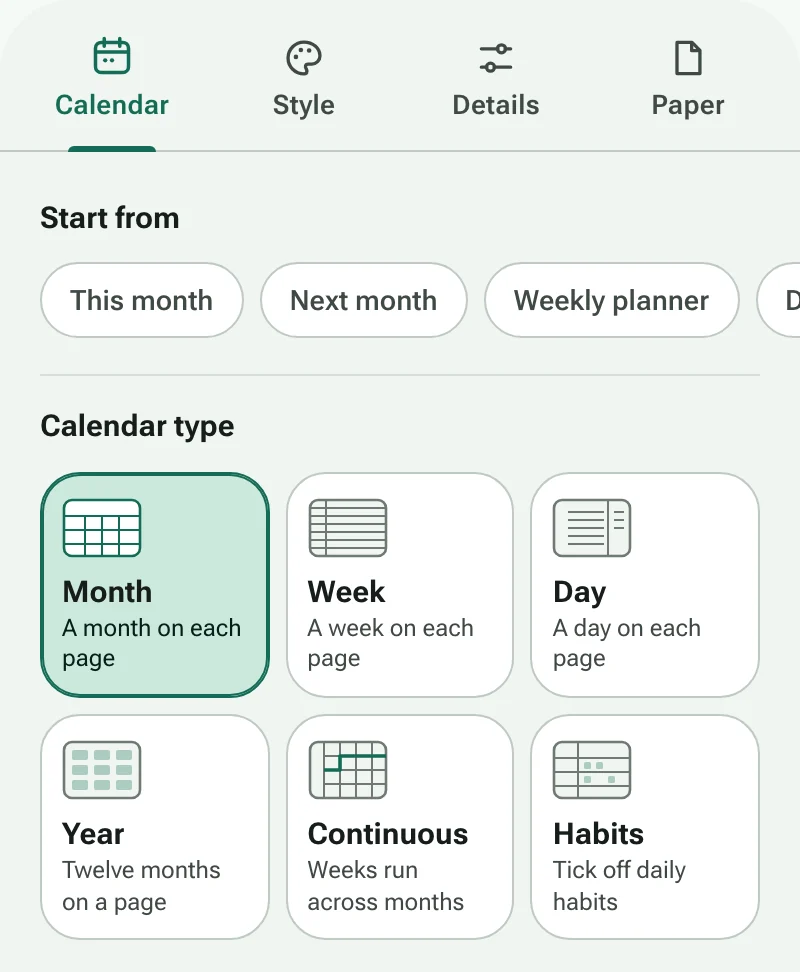
- Month is the classic wall or fridge calendar: one month per page with space for appointments.
- Week puts seven days on one page, as rows or columns, for meal plans, shifts and school weeks.
- Day gives you an hour-by-hour schedule with a to-do list beside it.
- Year shows all twelve months on one sheet, or a linear planner with a row per month for holidays and deadlines.
- Continuous lets weeks run on without breaking at month ends, which suits project timelines and term planning.
- Habits gives each habit a row and every day of the month a box to tick.
Getting a clean print
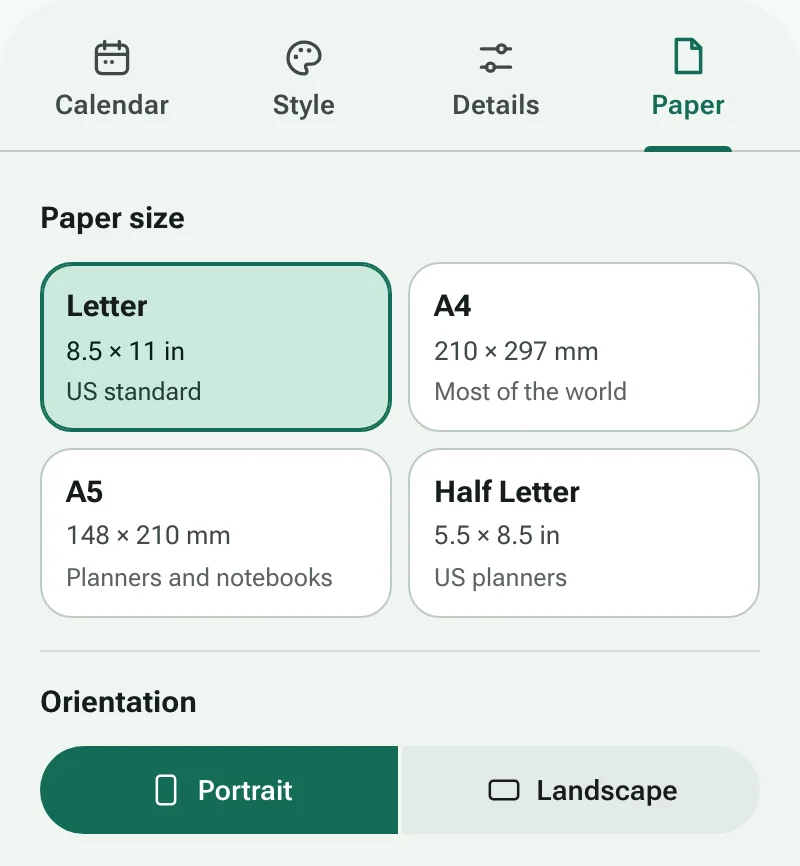
Choose the paper your printer actually uses: Letter in the US and Canada, A4 almost everywhere else. In the print dialog, set scaling to Actual size or 100% rather than Fit to page so the margins stay even. Heavier paper (100–120 gsm, or 24–32 lb) stops ink showing through and holds up better on a wall. If you plan to punch holes or bind the pages, add a binding edge so nothing lands in the gutter, and switch on Ink saver when you print a whole year at once.
Share it as a PDF
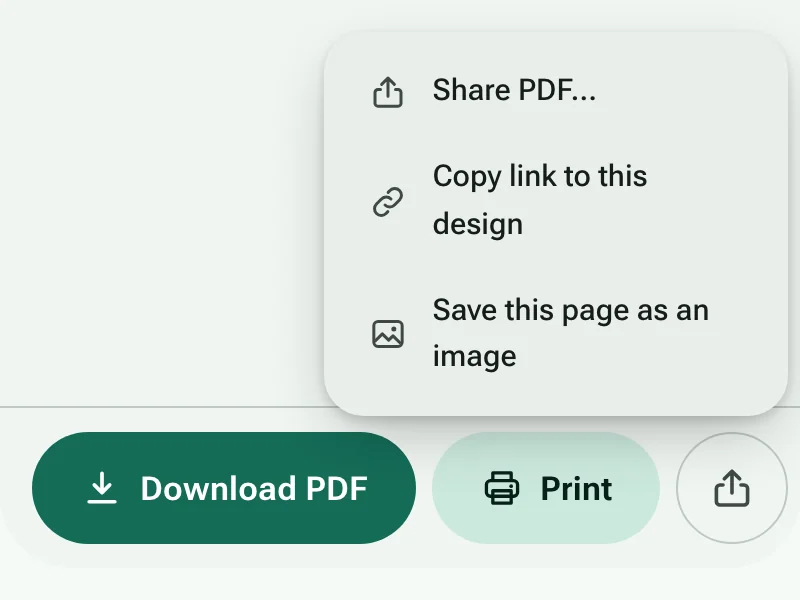
Download a PDF to print later, email to family or keep on a tablet for handwriting apps. On a phone, Share sends the PDF straight to messaging apps or cloud storage. Copy link gives you an address that reopens your exact design, so a teacher can send the same planner to a whole class.
Your settings stay on your device
Calendars are drawn in your browser. Nothing you type, such as titles or habit names, is sent to a server, and your last design is saved in this browser so it's waiting for you next time.